Social Settings Design Guidelines
Evolving with users
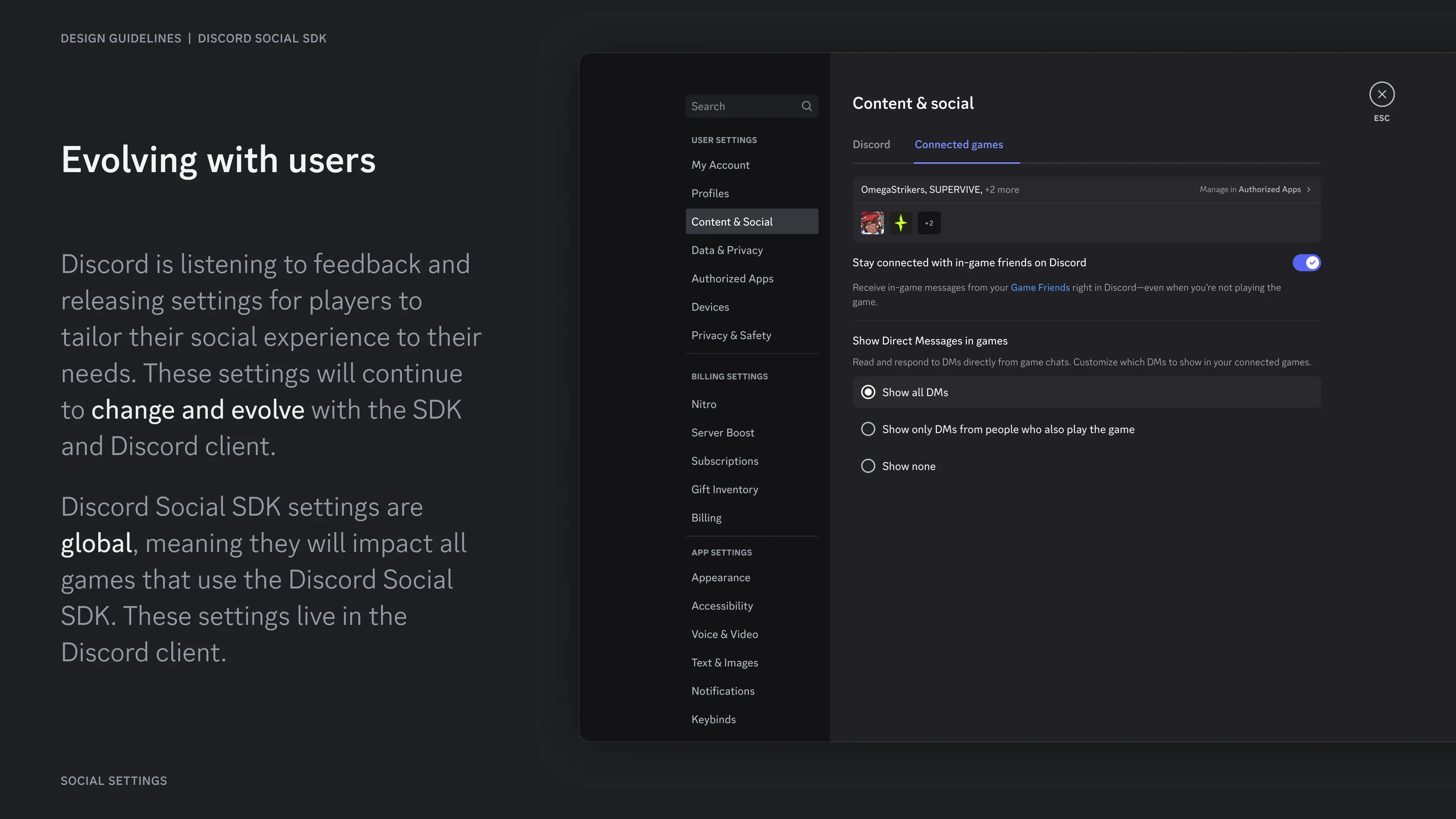
Section titled “Evolving with users”Discord is listening to feedback and releasing settings for players to tailor their social experience to their needs. These settings will continue to change and evolve with the SDK and Discord client.
Discord Social SDK settings are global, meaning they will impact all games that use the Discord Social SDK. These settings live in the Discord client.
Main entrypoint
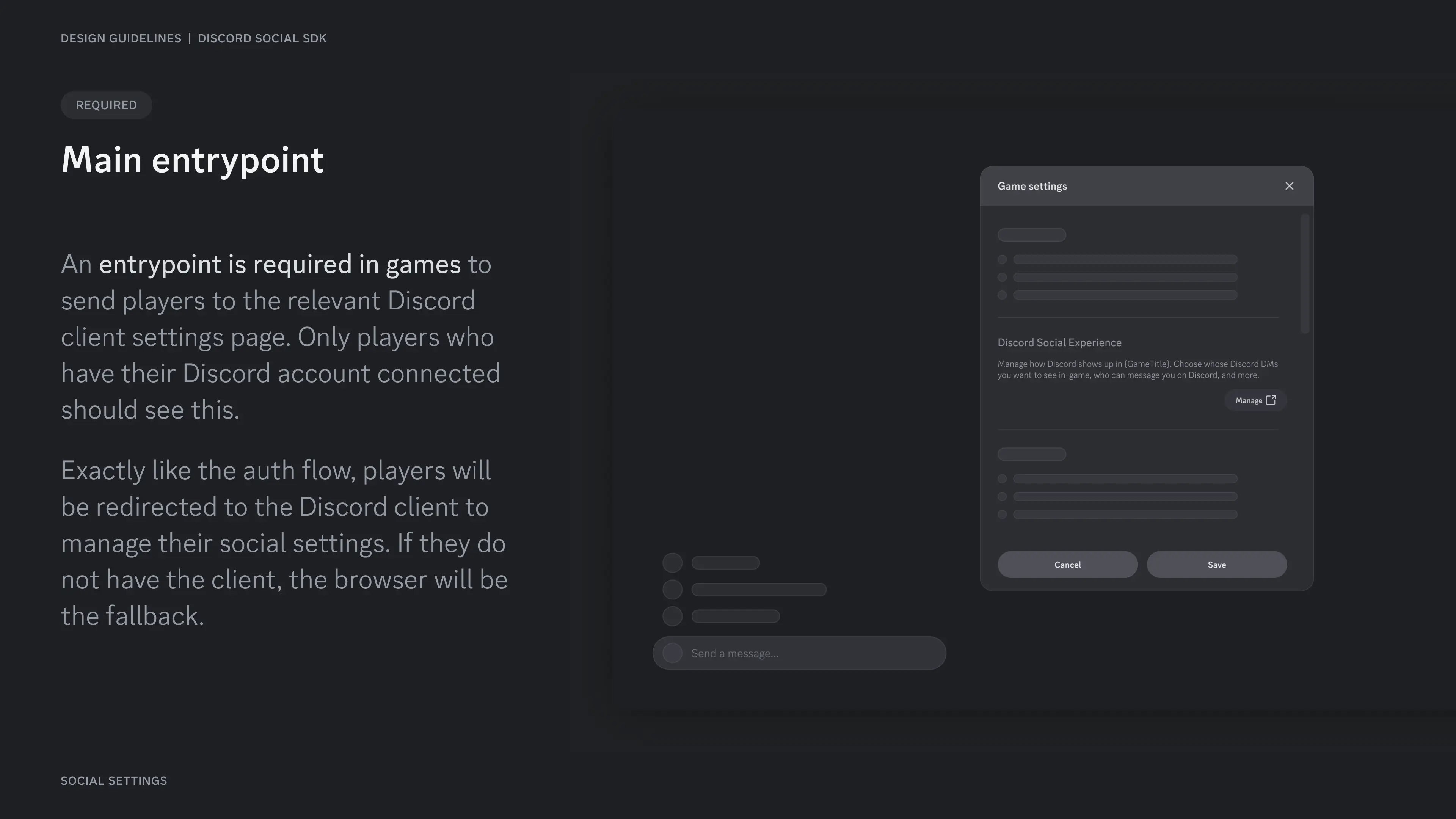
Section titled “Main entrypoint”An entrypoint is required in games to send players to the relevant Discord client settings page. Only players who have their Discord account connected should see this.
Exactly like the auth flow, players will be redirected to the Discord client to manage their social settings. If they do not have the client, the browser will be the fallback.
Content guidelines
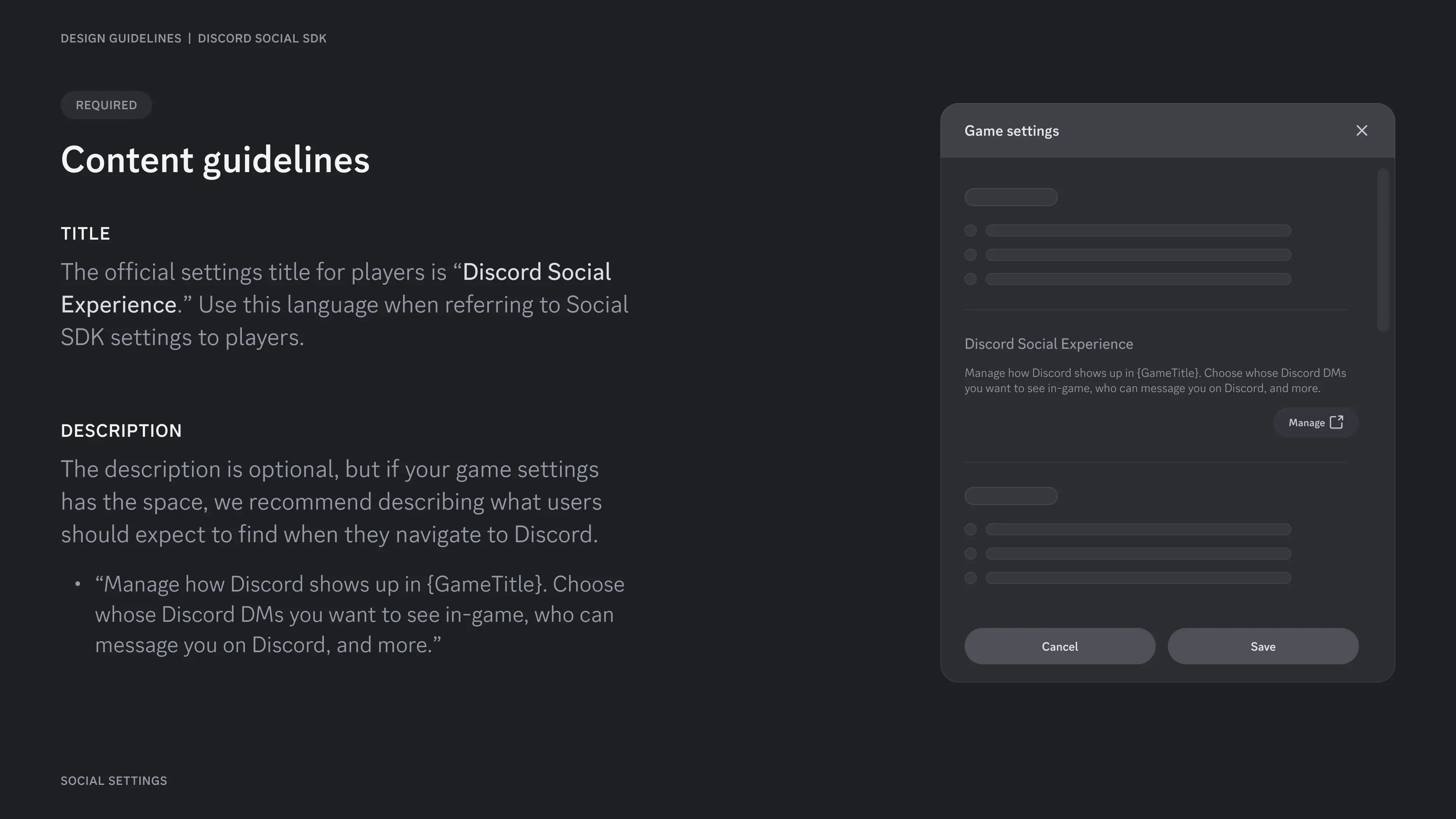
Section titled “Content guidelines”The official settings title for players is "Discord Social Experience." Use this language when referring to Social SDK settings to players.
The description is optional, but if your game settings has the space, we recommend describing what users should expect to find when they navigate to Discord.
Resources
Section titled “Resources”Change Log
Section titled “Change Log”| Date | Changes |
|---|---|
| May 08, 2025 | Initial Release |